
Getting Started
This page gets you up and running with the Chiikawa Mod and brings your first pet home.
Run into a problem, want to talk about how you play, or want to show off your pets? Come join us:
- QQ group: 995178570
- Discord: https://discord.gg/wPkgfst5Z
Installation
The Chiikawa Mod is published on CurseForge and Modrinth. Search for "Chiikawa" in your favourite Minecraft launcher to download it. The following versions and loaders are supported:
| Minecraft version | Loaders | Java |
|---|---|---|
| 1.20.1, 1.20.2, 1.20.4 | Fabric, Forge | 17 |
| 1.20.6, 1.21.1, 1.21.4, 1.21.5, 1.21.6, 1.21.7, 1.21.8, 1.21.10, 1.21.11 | Fabric, NeoForge | 21 |
| 26.1.2, 26.2 | Fabric, NeoForge | 25 |
The Chiikawa Mod is installed on both sides: to use it on a multiplayer server, install it on the server and on each client.
First Steps
Meet a wild pet. They appear in plains, savannas, deserts, swamps and snowy plains, one at a time, and often already holding a tool (Chiikawa usually has a hoe, Usagi usually has its own Subjugation Stick). In Creative mode you can also just use a spawn egg.
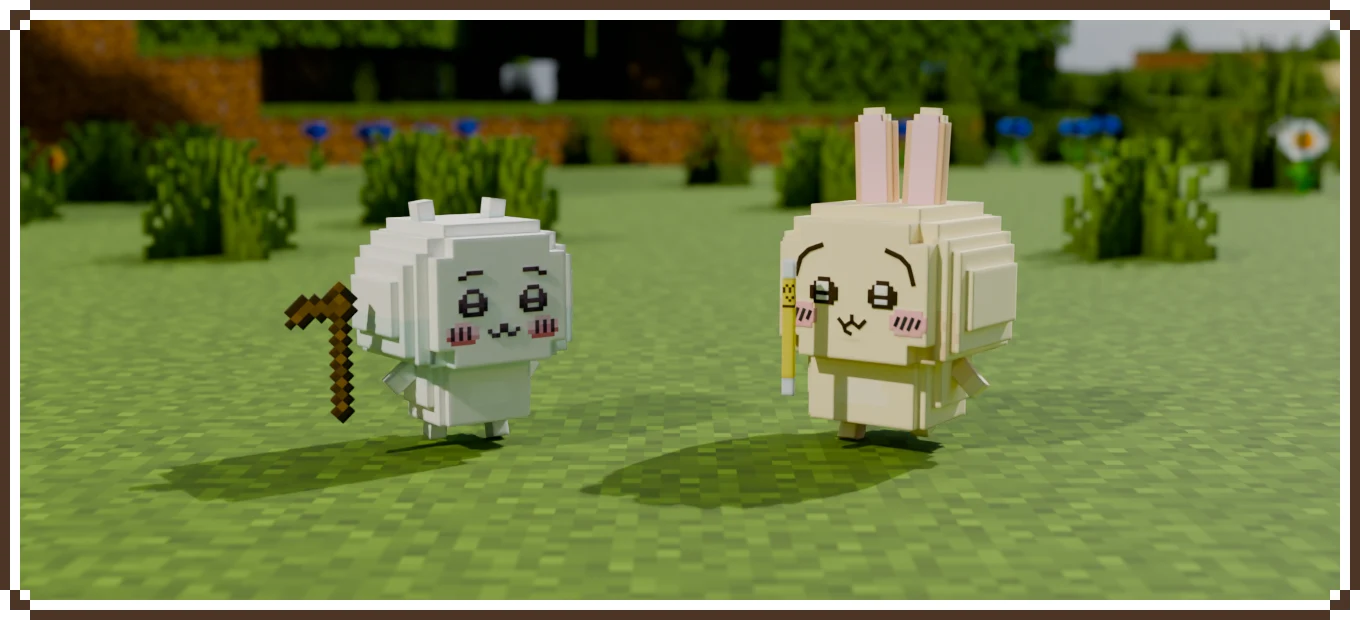
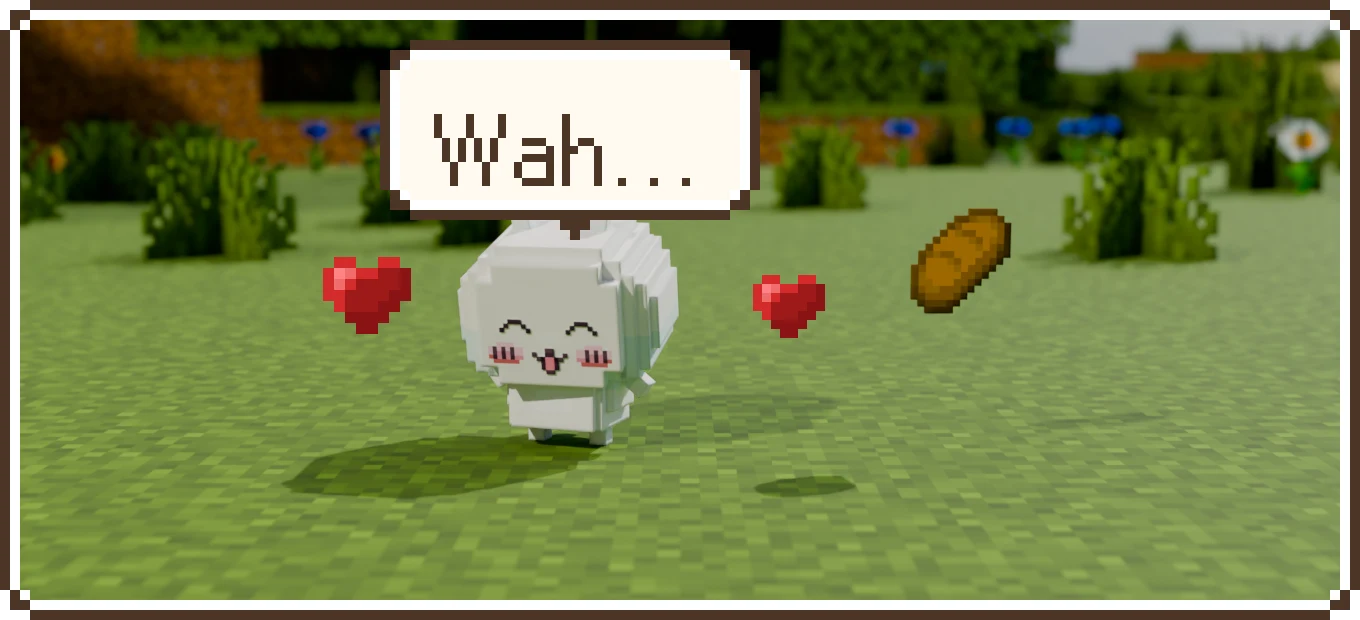
Tame it with food. Right-click it while holding food such as bread, cookies, apples, baked potatoes or cooked meat. Each feeding has a 30% chance to tame it. Hearts mean it worked; a puzzled look means not yet, so feed it again.
Once tamed, it follows you automatically, and the tool in its hand and the emeralds it has saved come home with it.
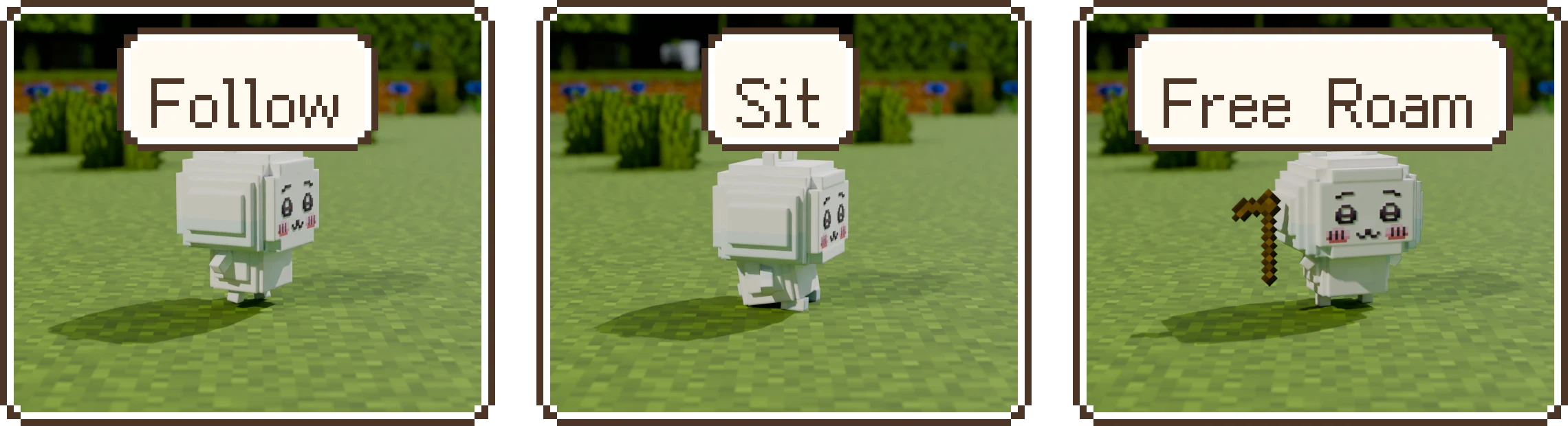
Give it orders. Sneak and right-click your pet to switch between three orders:
Order What it does Follow Stays by your side, and takes work or does some shopping when it passes a Labor Board or a Shop Sit Stays right where it is Free Roam Treats where it is now as home, works near home at its own job, and takes slips, goes shopping and brings you gifts on its own Want to give orders to every pet around you at once? Just blow a Whistle Candy.
Open its screen. Right-click it (without sneaking) to open its screen. It has three pages: Backpack (the things it carries and the emeralds it has earned), Status (what it is doing, how far along it is and how much money it has) and Orders.
The first time you join a world, you also get a copy of Chiikawa's Work Handbook. Right-click to open it: the chapter list is on the left, and clicking one shows you that part of the game.
Settings
On the title screen, click "Mods", find Chiikawa and click "Config" to open the mod's settings screen (on Fabric this needs Mod Menu):
| Setting | What it does |
|---|---|
| Wild pet spawning | How many pets appear in the wild; 0% means they stop appearing naturally |
| Chatter | How often pets say something; 0% means they don't talk |
| Speech bubbles | Only affects whether you yourself see them |
The first two belong to the world, so you change them from inside the world, and on a multiplayer server only operators can change them. If they're too loud for you, turn down "Friendly Creatures" in the vanilla sound settings.
That's it: in just a few steps you have your first pet! Want it to go out to work and earn money on its own? Read on in Playing, starting with meeting the pets, one step at a time.